





SmartDVB Channel lister is a tool that allows you to create a fresh channel list (including favorites) based on kingofsat.net datas (for now, some of other sat sites maybe added in next versions) in a short time.It will also fix your plugin problems in SmartDVB.
To use it, you just have to set your satellites (and/or your equipment (diseqc, positioner etc.)) in SmartDVB (Frequencies > Add/Edit Frequency) before you run the program.
To install plugins also, press Ctrl (the right side one!) + K in the components page.
To use channel logos, download and extract logo pack into the directory where the EXE is located.(The logo pack includes 9.164 channel logos of 32 European satellites!) The program will match and copy logos into the related folder during detecting channels.
If you want to use logos with your channel list only, run the EXE with -matchlogos command line switch.
If your current channel list have your own favorites, remotes (ch numbers), custom lists then the program has the ability to move them into the new channel list if the related channels are in kingofsat datas with correct sids and freq.(There may be max +2 or -2 margin of error for frequency)
During processing kingofsat datas, channels which are not in the existing channel list are put into the (new) favorite group.Also if a channel is specified with ecm in v_sids.db or nw_sids.key files then it is put into the (decrypted) favorite group.
To avoid any problems, it is recommended that you to backup your "Settings\Settings.ini", "smartdvb.db" , "smartdvb.db-shm" , "smartdvb.db-wal" files.(They are located in C:\Users\${UserName}\AppData\Local\SmartDVB folder by default SmartDVB installation.)
You can find some more infos in the SmartDVBChannelLister.ini (It is put into the EXE directory when you run the EXE)
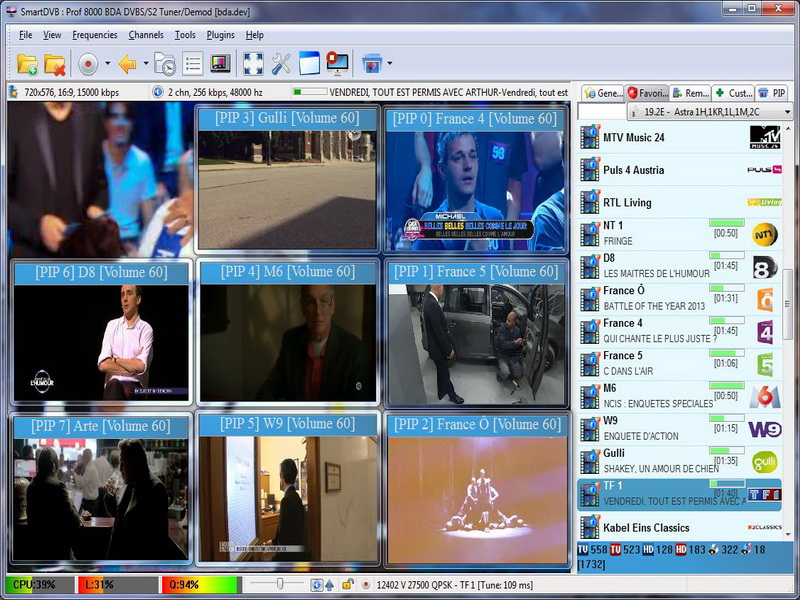
So with default settings of SmartDVB Channel Lister (with RightCtrl+K and logo pack) you should encounter a screen that looks like this:
SmartDVB Channel Lister 1.0




 Reply With Quote