Now we move to version 1.64 -online update
Version 1.64 - online update
A new update has been released with a wide range of new features and improvements, focusing on better security, stability, and easier management of channels, bouquets, and backups.
Main Changes
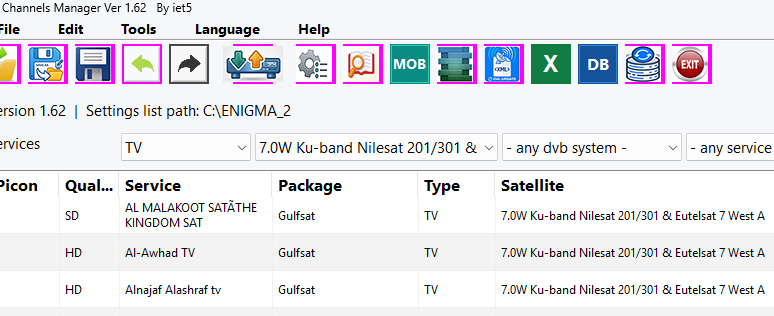
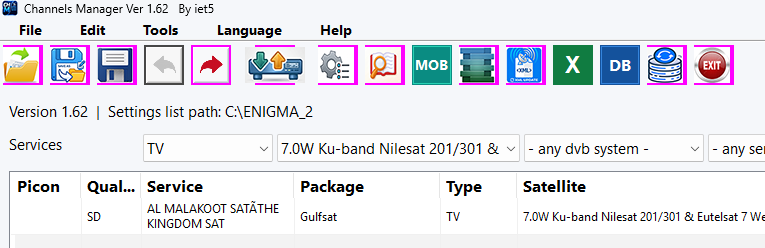
Mobile module removed from the program.
Review Changes Before Sending:
A new review window has been added that displays the number of channels to be added or removed, as well as any modified bouquets, allowing the user to review and confirm the changes before sending them to the receiver.
Channel and Bouquet Validation:
The program can now detect duplicate channels, empty bouquets, and entries that are missing from the lamedb file.
Post-Transfer File Verification:
After the transfer is completed, the program compares the size of each file on the receiver with the corresponding file on the PC to verify that the transfer was completed correctly.
Select Files to Send:
You can now choose which types of files to send, including channels and bouquets, XML files, or picons.
Restore Last Backup:
A new button has been added to restore the latest receiver backup with a single click.
Scheduled Receiver Backup:
Automatic receiver backups can now be scheduled daily or weekly, with the user having full control over the backup method and schedule.
Path: Tools → Scheduled Receiver Backup
Transfer Speed and Remaining Time:
The progress bar now displays the file transfer speed and estimated remaining time.
IPTV Link Checker:
You can now check the IPTV links of an entire bouquet by right-clicking the bouquet and selecting the check option.
Automatic Cleanup of Old Backups:
Old backups can now be deleted automatically after a user-defined number of days.
Temporary File Cleanup:
Added an option to remove temporary files left by the program on the receiver after operations are completed.
Automatic Picon Search:
The program can search for picons in other folders when the selected folder is empty.
This feature is disabled by default and can be enabled from the settings.
Additional Improvements
Redesigned and Reorganized Options Screen:
The Options screen has been completely reorganized, including its pages and checkboxes, making the settings clearer and easier to use.
Font Size Control:
Added − and + buttons to adjust the font size within the Options screen.
Improved Picon Uploading:
The picon upload process has been improved, with the ability to select the destination path on the receiver.
Improved Operation Log:
Log messages are now clearer and more detailed, showing the picon folder being used and the reason why each file is uploaded.
Improved Excel Export:
Excel export now works correctly with folders containing Arabic, Chinese, and other non-English characters in their names.
Improved Connection Status Handling:
Canceling a transfer from the review window no longer changes the receiver connection status to Offline.
The language files have also been updated
Thanks iet5











 Reply With Quote